
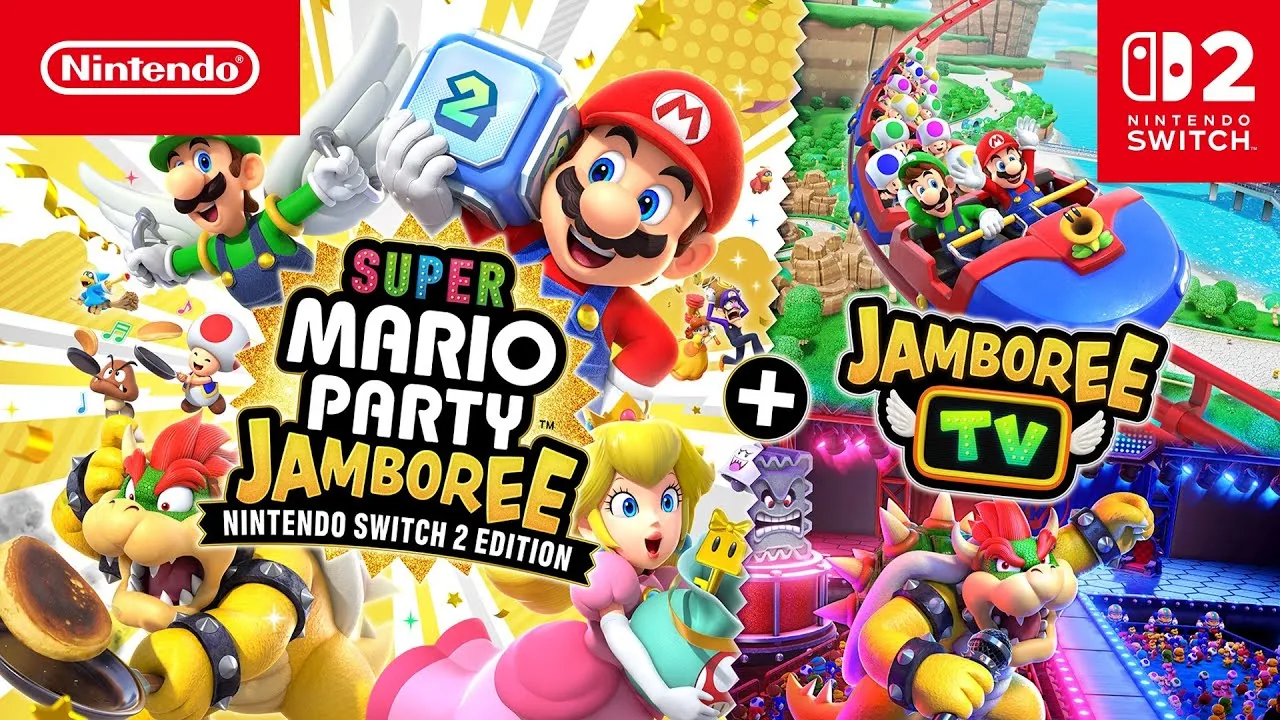
Super Mario Party Jamboree 2.4.0 Adds GameShare via GameChat on Switch 2
Version 2.4.0 is out for Super Mario Party Jamboree. The Switch 2 Edition can now use GameShare through GameChat, with Friends via GameChat on the title screen, plus new maps and rules options for GameShare. Here are the official patch notes and how to start a session.
Super Mario Party Jamboree version 2.4.0 is available as of November 9, 2026, on Nintendo Switch and Nintendo Switch 2. The main addition is on the Nintendo Switch 2 Edition: you can now use GameShare through GameChat, so friends on Switch 2 can join even if they do not own the game.
What's in Ver. 2.4.0
Nintendo's official patch notes list the following.
When playing on Nintendo Switch 2:
- GameShare using GameChat is now available for the Nintendo Switch 2 Edition.
- If you select GameShare on the title screen, you can now choose Friends via GameChat.
- Maps and rules have been added as options for GameShare in the Nintendo Switch 2 Edition.
When playing on Nintendo Switch 2 and Nintendo Switch:
- Fixed other issues to improve the gameplay experience.
Nintendo does not list which maps or rules were added, or name the individual bug fixes.
What GameShare through GameChat lets you do
GameShare is Nintendo's feature for sharing a compatible game so other people can play it without owning a copy. You can already share locally with nearby Switch 2 or Switch systems, while online sharing runs through GameChat on Switch 2 only.
Version 2.4.0 turns that GameChat path on for Super Mario Party Jamboree – Nintendo Switch 2 Edition + Jamboree TV. The host needs that Switch 2 Edition. Friends joining online also need Switch 2 systems, because GameChat and online GameShare are Switch 2 only. Everyone needs the latest system update, and online play (including GameChat) requires a Nintendo Switch Online membership and a Nintendo Account.
Up to four systems can take part in a GameShare session, and a Switch 2 is required to host.
How to update the game
The update can install automatically if the console is online and Software Auto-Updates is on. To install it yourself:
- Connect the Switch 2 or Switch to the internet.
- On the HOME Menu, highlight the Super Mario Party Jamboree icon. Do not start the game.
- Press + or -, then select Software Update and Via the Internet.
Nintendo says this update must be applied to use the game's internet features, and that if you have the Switch 2 Edition, you need the latest update to use added features on Switch 2. The current version number appears under the software title on that same menu.
How to start GameShare with friends on GameChat
On the host's Switch 2 (with the Switch 2 Edition):
- Start or join a GameChat room with the friends you want to play with. You can also start the room when you invite them to GameShare.
- Start the game and, on the title screen, select GameShare, then Friends via GameChat.
- Invite friends from the GameChat room and wait for them to join before you start the session.
For friends joining on Switch 2:
- Start or join the same GameChat room.
- After the host invites you, press the C Button to open the C Menu.
- Select See Invites to GameShare, then Join GameShare.
- You can also open the GameShare icon on the HOME Menu and select A User in a GameChat Session.
Local wireless GameShare is still available separately (Switch 2 host, nearby Switch 2 or Switch guests).
Official patch notes and update steps are on Nintendo's How to Update Super Mario Party Jamboree page. General GameShare steps are in How to Play Together via GameShare.